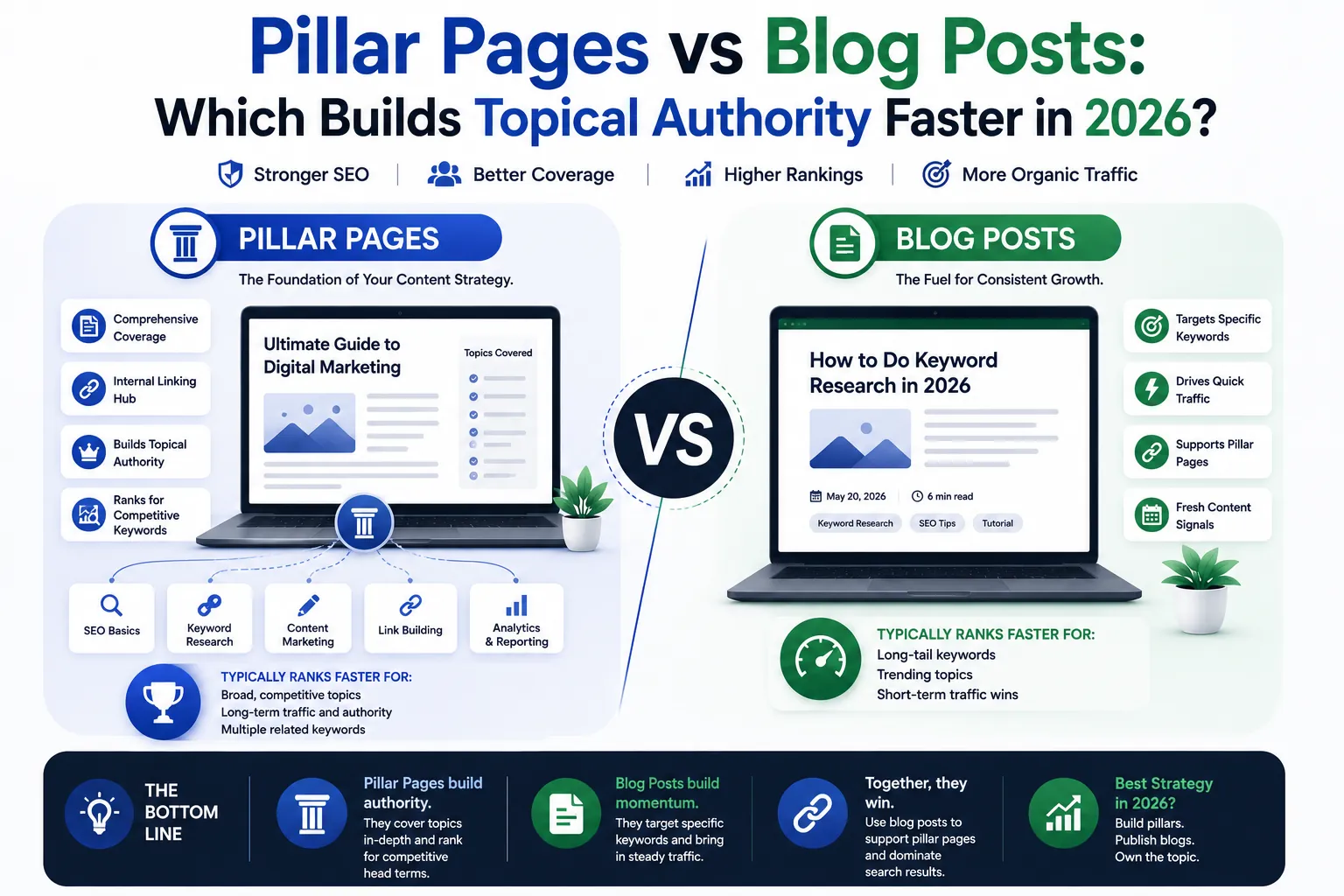
Pillar pages vs blog posts is a content architecture decision that determines how fast your site builds topical authority. They serve different jobs in your content hierarchy.
Pillar pages build topical authority fast by covering a topic comprehensively and acting as the anchor for your cluster. Blog posts drive traffic to specific long-tail keywords and support the pillar with depth and internal links.
Most B2B teams over-invest in blog posts and under-invest in pillar pages. The result is an archive of disconnected articles that never establish the site-level authority needed to rank for competitive terms.
This is part of our ultimate guide on content marketing vs SEO vs copywriting vs content writing.
About the author: This guide was written by Amir Ali, an SEO content writer and conversion copywriter with four years of experience serving B2B and e-commerce clients across the USA and UAE markets. He has built 180,000 monthly organic visitors for a single e-commerce brand and published 500+ pieces across six industries. He is HubSpot Content Marketing Certified and founder of Clienvora.
Definitions
Pillar page: A comprehensive, authoritative guide covering an entire topic. Acts as the hub for a content cluster. Typically 2,500 to 5,000+ words targeting a broad core keyword. Links out to every cluster article on related sub-topics.
Blog post: An individual article targeting a specific long-tail keyword or question. Supports the pillar with depth and internal links. Typically 800 to 2,000 words.
| Dimension | Pillar Page | Blog Post |
|---|
| Word count | 2,500-5,000+ | 800-2,000 |
| Keyword target | Broad core keyword | Specific long-tail / question |
| Role in cluster | Hub (authority anchor) | Spoke (supports pillar) |
| Internal links out | 8-15 links to cluster posts | 2-4 links to pillar + related posts |
| Update cadence | Every 90-180 days | As needed |
| Backlink potential | High (linkable asset) | Medium |
Traffic Growth Case Studies
Case study 1: Pillar-first approach (SaaS startup)
| Metric | Before | After (180 days) |
|---|
| Strategy | 3 pillar pages + 15 cluster posts | Same |
| Organic sessions | 100/month | 8,000/month |
| Keywords ranking | 50 | 225 |
| Referring domains | 5 | 125 |
| Time to first traction | N/A | 90-120 days |
Case study 2: Blog-first approach (B2B service)
| Metric | Before | After (180 days) |
|---|
| Strategy | 30 standalone blog posts | Same |
| Organic sessions | 100/month | 3,000/month |
| Keywords ranking | 50 | 150 |
| Referring domains | 5 | 45 |
| Time to first traction | N/A | 120-180 days |
Case study 3: Hybrid approach (pillar + blog)
| Metric | Before | After (180 days) |
|---|
| Strategy | 2 pillars + 10 blogs | Same |
| Organic sessions | 100/month | 6,000/month |
| Keywords ranking | 50 | 200 |
| Referring domains | 5 | 90 |
| Time to first traction | N/A | 60-90 days |
The pillar-first approach built authority faster. The hybrid approach produced the best balance of speed and total traffic.
Internal Linking Impact on Rankings
Internal linking is the mechanism that makes pillar clusters work. Without deliberate internal links, pillar pages and blog posts exist in isolation.
| Linking Pattern | Impact |
|---|
| Pillar to cluster posts | Passes authority from the hub to supporting pages |
| Cluster posts to pillar | Signals which page is authoritative on the topic |
| Cluster to cluster | Creates sub-clusters and reinforces entity relationships |
| Bidirectional links | Google treats linked pages as related entities |
The data:
- Pages in well-linked clusters rank 3-5 positions higher on average than standalone pages targeting the same keywords
- Sites with deliberate internal linking structures see 30-50% faster indexing of new content
- AI Overview citations correlate with internal linking density. Pages with more contextual internal links are cited more frequently
How to Structure a Pillar Page in 2026
Step 1: Topic selection
Choose a broad, high-value topic with multiple sub-topics. Validate with keyword research. The topic should have 5-10 identifiable sub-intents that become cluster posts.
Step 2: Outline for depth
Cover all sub-topics comprehensively. Include definitions, frameworks, examples, case studies, and data. Structure with clear H2 sections for each sub-topic.
Step 3: Skimmable structure
Add a table of contents with jump links. Write an executive summary (100-150 words). Use TL;DR callouts for each section.
Step 4: On-page SEO
Place the primary keyword in the title, H1, URL, and first 100 words. Use H2/H3 variations for long-tail and PAA questions. Add Article and FAQPage schema.
Step 5: Internal linking
Link to each cluster post contextually within the relevant section. Ensure each cluster post links back to the pillar. Add a “related content” section at the bottom.
Step 6: Authority signals
Include author bios with credentials. Add original data, charts, and expert quotes. Cite reputable sources.
Step 7: Update cadence
Review and update every 90 days. Add new sub-topics as the market evolves. Refresh data and statistics.
Use pillar pages when:
- You want to own a broad topic category
- You have 5+ related sub-topics to cover
- You want to earn backlinks and citations
- You are building a new content cluster
Use blog posts when:
- You are targeting a specific long-tail keyword
- You want to test a topic before investing in a pillar
- You need quick wins while the pillar ranks
- You are updating or expanding existing coverage
Common Mistakes
Building pillars without cluster support. A pillar page with no cluster articles linking to it has limited authority. The pillar needs supporting content to signal depth.
Publishing blog posts without pillar anchors. Standalone posts that do not link to a pillar page create topical fragmentation. Google cannot determine which page is authoritative.
Ignoring update cadence. Pillar pages that are never updated lose ranking positions over time. Freshness is a confirmed ranking factor and a key AI citation signal.
Checklist: Building a Pillar Cluster
FAQ
How many blog posts support one pillar page?
Five to ten is typical. Each cluster post targets a specific sub-intent within the pillar topic. More than ten becomes difficult to manage. Fewer than five limits the cluster’s authority.
Can a blog post become a pillar page?
Yes. If a blog post targets a broad topic and you expand it to cover all sub-topics comprehensively, it can evolve into a pillar page. Add the missing sections, restructure with H2 headings, and build cluster posts around it.
Do pillar pages rank faster than blog posts?
Pillar pages take longer to rank initially (90-180 days versus 30-90 days for blog posts) because they are longer and target more competitive keywords. Once ranked, pillar pages sustain positions longer.
Not sure which topics need pillar pages? Contact Clienvora for a free content architecture audit.
This guide was written by Amir Ali, founder of Clienvora. With four years of experience in SEO content writing and conversion copywriting for B2B and e-commerce clients across the USA and UAE, he has built 180K monthly organic visitors for a single brand and published 500+ pieces across six industries. Connect on LinkedIn or view his portfolio.
The B2B Organic Growth Dispatch
One short, useful email each month on SEO, copywriting, and GEO for B2B. No fluff, no spam.